

Templates
Projects people actually build.
Build each one yourself. The tricky parts are done for you; a guide in Kiln walks you through one small task at a time — what to add, where it goes and why — then checks that it really works.
The finished projects, ready to change. Every one runs as-is — open it in Kiln or download the files.
16 templates
No templates match that search.
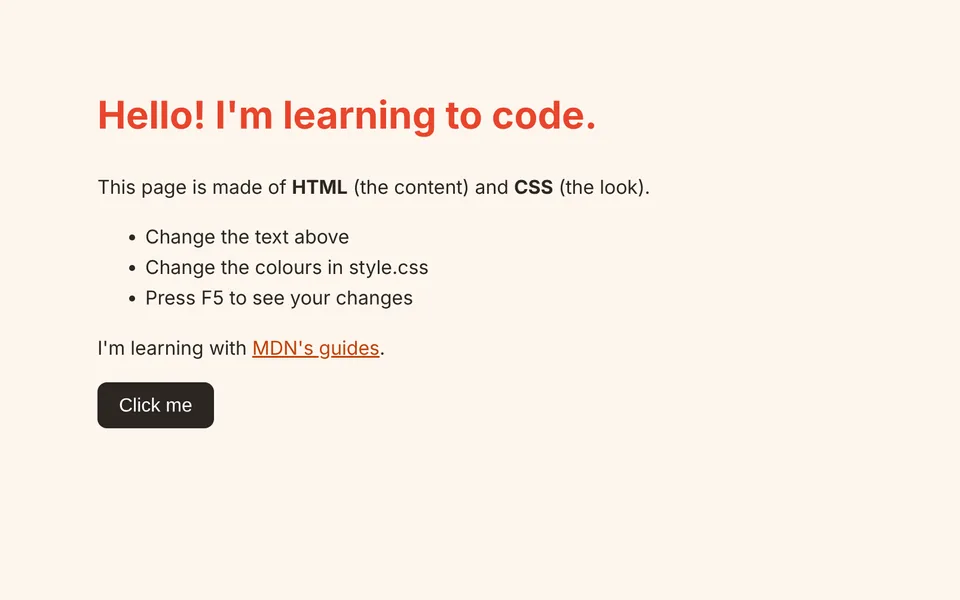
My first web page
WebsitesBeginnerThe smallest real website: a heading, some text, a list, a link, your own colours and a button that does something.
Build a web page from an empty file. The guide shows each tag to add, points at where it goes and explains what it does — then you style it and make a button work.
5 steps · about 30 min
Runs right away
HTMLCSS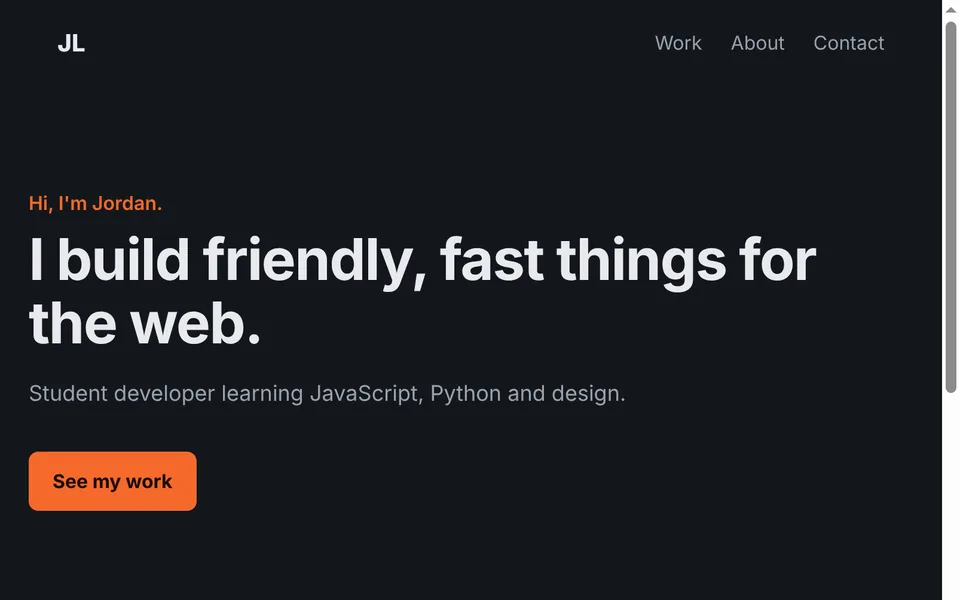
Personal portfolio
WebsitesBeginnerA dark, responsive one-page portfolio with a hero, project cards and contact section.
Build a one-page portfolio. The styles are ready; the guide walks you through the HTML piece by piece — header, intro, project cards, contact — and a CSS grid that works on phones.
5 steps · about 50 min
Runs right away
HTMLCSS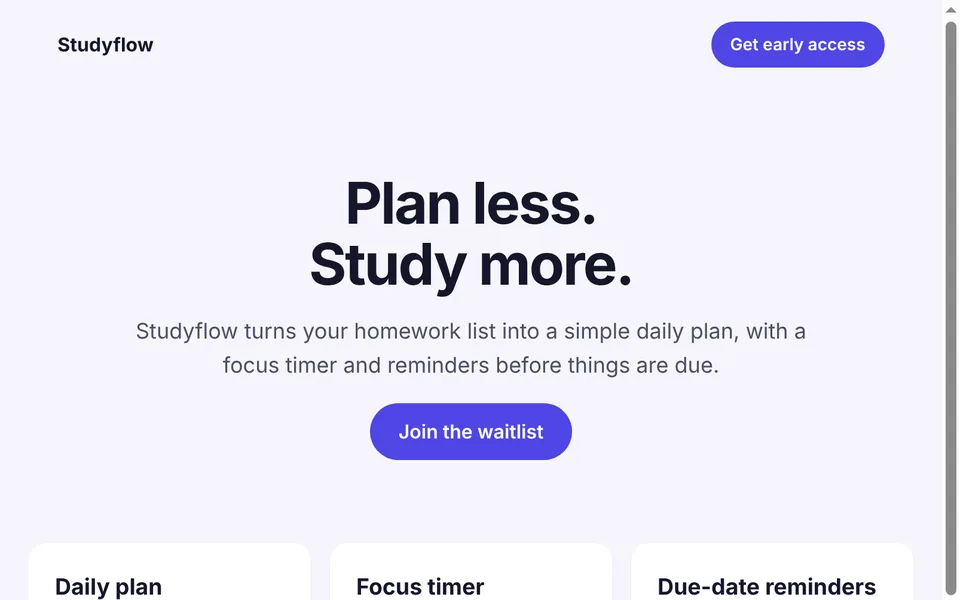
Landing page
WebsitesBeginnerA product landing page with a hero, a features grid and a wait-list form that checks the email.
Build the sales page for a (made-up) app: a headline that sells it, the features, and a sign-up form that checks the email and thanks the visitor.
4 steps · about 40 min
Runs right away
HTMLCSS
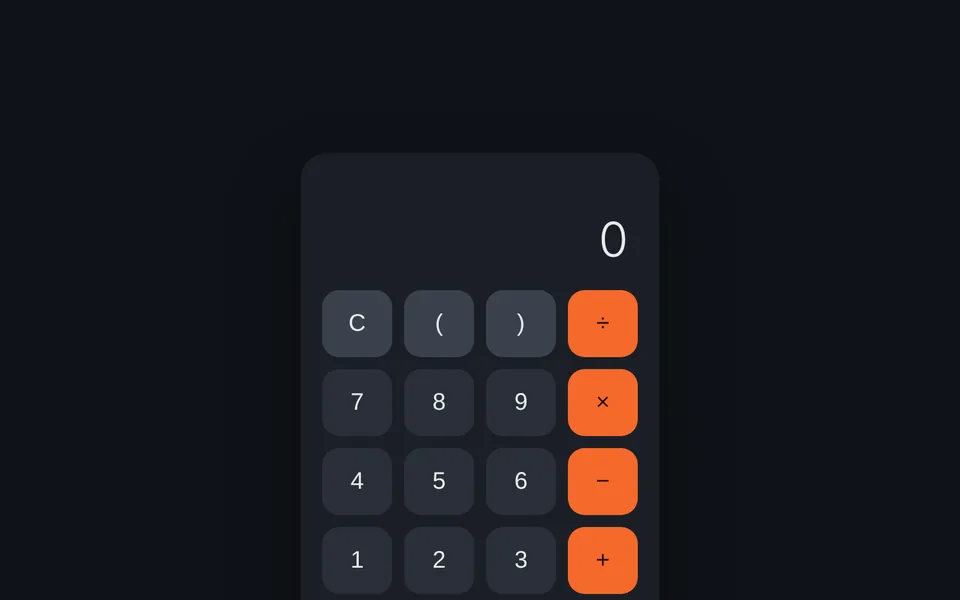
- weather.js
// Weather app — guided project. The Guide panel on the right walks you through it, // one small task at a time. // Everything above “Yours” is provided. You don't need the internet to pass // the checks: they feed your functions sample data. // Data from Open-Meteo (free, no API key): https://open-meteo.com // ---- Provided: getting the data ---- // Returns { place, current: { temp, code, wind }, days: [{ date, max, min, code }] } // or throws an Error with a message you can show. async function getWeather(city) { let geo; try { geo = await fetch('https://geocoding-api.open-meteo.com/v1/search?count=1&name=' + encodeURIComponent(city)).then(r => r.json()); } catch { throw new Error('Couldn’t reach the weather service. Are you online?'); }weather.js// Weather app: look up a city, show today and the next five days. // Data from Open-Meteo (free, no API key): https://open-meteo.com // ---- Getting the data ---- // Returns { place, current: { temp, code, wind }, days: [{ date, max, min, code }] } // or throws an Error with a message you can show. async function getWeather(city) { let geo; try { geo = await fetch('https://geocoding-api.open-meteo.com/v1/search?count=1&name=' + encodeURIComponent(city)).then(r => r.json()); } catch { throw new Error('Couldn’t reach the weather service. Are you online?'); } if (!geo.results || !geo.results.length) throw new Error(`Couldn’t find a place called “${city}”.`); const { latitude, longitude, name, country } = geo.results[0]; const url = 'https://api.open-meteo.com/v1/forecast?latitude=' + latitude + '&longitude=' + longitude +Weather app
AppsIntermediateSearch any city and see live conditions and a 5-day forecast from Open-Meteo. No API key.
The weather data is already being fetched for you. Turn it into a page: describe the conditions, show today, build a 5-day forecast, and handle searches and errors.
4 steps · about 45 min
Needs Internet connection
HTMLCSS 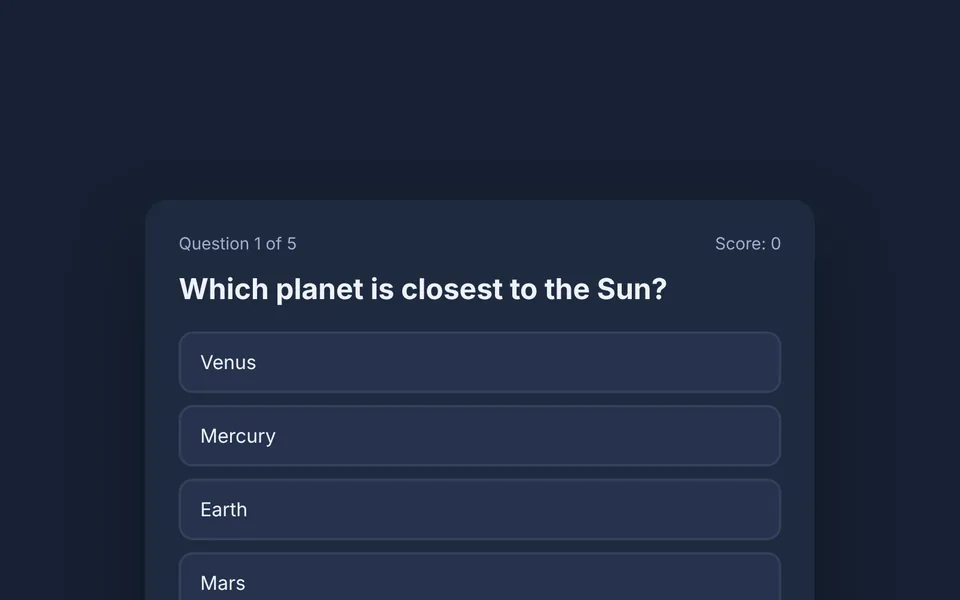
Quiz game
GamesBeginnerMultiple-choice quiz with instant right/wrong feedback, a running score and a final result. Write your own questions.
Turn a list of questions into a playable quiz: show each question, react to answers, keep score, and finish with a result screen.
4 steps · about 40 min
Runs right away
HTMLCSS
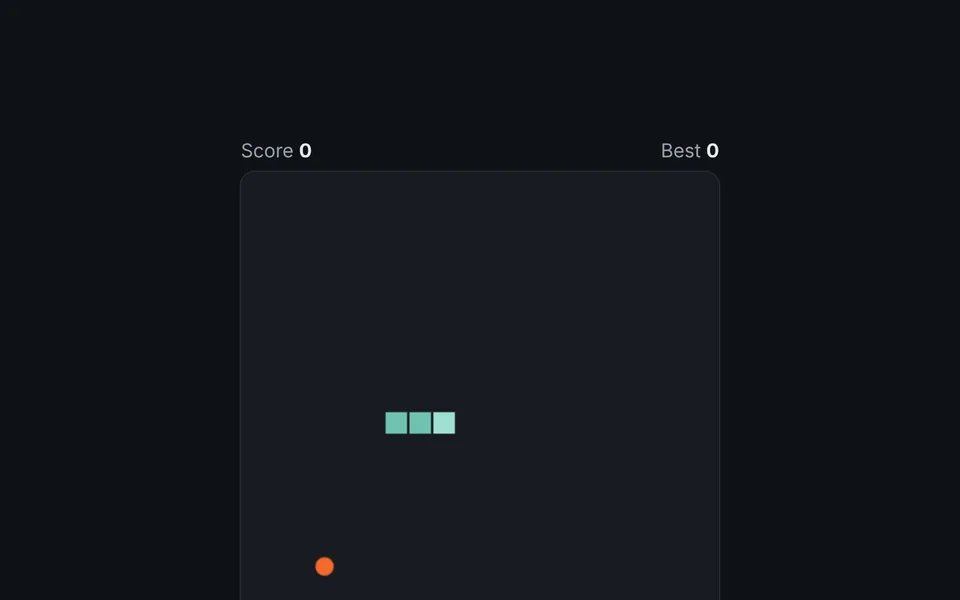
Snake
GamesIntermediateThe classic: a game loop on a canvas, a grid, collision detection and a saved high score.
The drawing, game loop and controls are done. You write the rules that make it Snake: moving, crashing, eating and growing, and not turning back on yourself.
4 steps · about 45 min
Runs right away
HTMLJavaScript- guess.py
"""Number guessing game — guided project.

The Guide panel on the right walks you through it, one small task at a time.
It shows you what to type, where (look for the orange arrow), and why.
"""
guess.py"""Number guessing game — input, loops and if/else.""" import os import random # Kiln's checks set KILN_SECRET so they know the answer. Normally it's random. secret = int(os.environ.get("KILN_SECRET") or random.randint(1, 100)) tries = 0 print("I'm thinking of a number between 1 and 100.") while True: text = input("Your guess: ").strip() if not text.isdigit(): print("Please type a whole number.") continue guess = int(text) tries += 1Number guessing (Python)
ProgramsBeginnerGuess the secret number. Covers input, loops, if/else and random numbers.
Write your first interactive Python program from an empty file. The guide shows each line, points at where it goes, and explains why it works.
4 steps · about 30 min
Needs Python 3
Python - rps.py
"""Rock, paper, scissors — guided project.

The Guide panel on the right walks you through it, one small task at a time.
It shows you what to type, where (look for the orange arrow), and why.
"""
rps.py"""Rock, paper, scissors against the computer. Type q to quit.""" import os import random CHOICES = ["rock", "paper", "scissors"] BEATS = {"rock": "scissors", "paper": "rock", "scissors": "paper"} # what each one beats # Kiln's checks set KILN_CHOICES (like "rock,paper") so they know what the # computer will pick. Normally it's random. _planned = [c for c in os.environ.get("KILN_CHOICES", "").split(",") if c] def computer_choice(): if _planned: return _planned.pop(0) return random.choice(CHOICES)Rock, paper, scissors (Python)
ProgramsBeginnerPlay rock, paper, scissors against the computer, with a running score. Functions, dictionaries and loops.
Build rock, paper, scissors from an empty file. The guide shows each piece, points at where it goes and explains it: lists, dictionaries, functions, loops and keeping score.
5 steps · about 35 min
Needs Python 3
Python - main.cpp
// Number guessing game — guided project.
// The Guide panel on the right walks you through it, one small task at a time.
// It shows you what to type, where (look for the orange arrow), and why.
main.cpp// Number guessing game in C++ — input, loops, if/else and random numbers. #include <cstdlib> #include <iostream> #include <random> #include <string> int main() { // Kiln's checks set KILN_SECRET so they know the answer. Normally it's random. std::random_device rd; std::mt19937 gen(rd()); std::uniform_int_distribution<int> dist(1, 100); const char* fixed = std::getenv("KILN_SECRET"); const int secret = fixed ? std::atoi(fixed) : dist(gen); std::cout << "I'm thinking of a number between 1 and 100.\n"; int tries = 0;Number guessing (C++)
ProgramsBeginnerGuess the secret number in C++: std::cin, while loops, if/else and <random>.
Write a guessing game in C++ from an empty file. The guide shows each line to add and explains why: includes, main(), printing, random numbers, loops, and reading input safely.
4 steps · about 35 min
Needs a C++ compiler (g++ or clang++)
C++ - notes.js
// Notes API — guided project. The Guide panel on the right walks you through it, // one small task at a time. // server.js (provided) handles the networking and calls these functions. // Each one returns { status, body }: the HTTP status code and the JSON to send. // Provided: the data. Each note is { id: 1, text: '…' }. const notes = [{ id: 1, text: 'Welcome to your API' }]; let nextId = 2; // Step 1 — GET /api/notes function listNotes() { return { status: 501, body: { error: 'listNotes() isn’t written yet' } }; // TODO (step 1) } // Step 3 — GET /api/notes/:id function getNote(id) {notes.js// The notes and what each route does. Every function returns // { status, body }: the HTTP status code and the JSON to send back. const notes = [{ id: 1, text: 'Welcome to your API' }]; let nextId = 2; function listNotes() { return { status: 200, body: notes }; } function getNote(id) { const note = notes.find(n => n.id === id); if (!note) return { status: 404, body: { error: `There's no note ${id}.` } }; return { status: 200, body: note }; } function createNote(body) {Notes API
Bots & APIsIntermediateA REST API for notes — list, read, create and delete — with proper status codes. Built-in Node only, nothing to install.
The web server is done. Write what each route does: list notes, create them (with validation), fetch one, delete one — returning the right HTTP status codes. Then call your API for real.
5 steps · about 45 min
Runs right away
JavaScriptNode.js - commands.js
// Discord bot — guided project. The Guide panel on the right walks you through it, // one small task at a time. // bot.js (provided) connects to Discord and calls handle() for every message. // handle() gets the message text and returns the reply — or null to stay quiet. // There's no Discord code in this file, so Kiln can check it without a token. const PREFIX = '!'; function handle(text) { // TODO (step 1): ignore anything that isn't a command, answer !ping // TODO (step 2): !roll and !roll 20 // TODO (step 3): !help and !flip return null; // TODO (step 3): reply to commands the bot doesn't know } module.exports = { handle }; // Providedcommands.js// What the bot says. handle() gets the text of a message and returns the // reply — or null to stay quiet. No Discord code here, so it's easy to test. const PREFIX = '!'; const commands = { ping: () => 'pong 🏓', roll: (args) => { const sides = args.length ? Number(args[0]) : 6; if (!Number.isInteger(sides) || sides < 2 || sides > 1000) return 'Give me a number of sides from 2 to 1000, like !roll 20'; const n = 1 + Math.floor(Math.random() * sides); return `🎲 You rolled ${n} (d${sides})`; }, flip: () => (Math.random() < 0.5 ? 'Heads' : 'Tails'), help: () => 'Commands: !ping, !roll [sides], !flip, !help', };Discord bot
Bots & APIsIntermediateA text-command bot (!ping, !roll, !flip, !help) using discord.js, with the token kept in a .env file.
Write the brain of a Discord bot: read commands, parse their arguments, roll dice, and reply helpfully to mistakes. Then connect it to your own server.
4 steps · about 40 min
Needs Node.js, npm install, and a Discord bot token
JavaScriptNode.js - app.jsx
// My watchlist — guided project. The Guide panel on the right walks you through it, // one small task at a time. const { useState } = React; // Step 1: your first component goes here. function App() { // Step 2 onwards: the app's state goes here. return ( <main className="app"> {/* TODO (step 1): show the header */} </main> ); }app.jsx// My watchlist — a React app. const { useState } = React; // A component is a function that returns what to show. Props are its inputs. function Header({ title }) { return ( <header> <h1>{title}</h1> <p>Movies I want to watch</p> </header> ); } function App() { const [watched, setWatched] = useState(0); const [movies, setMovies] = useState(['Spirited Away', 'Inception']);React: movie watchlist
WebsitesIntermediateYour first React app: components, props, state, lists and a form — running live, with nothing to install.
Build a movie watchlist in React, one piece at a time: a component with props, a counter with state, a list made with map, a form that adds movies, and buttons that remove them.
5 steps · about 45 min
Runs right away
ReactJavaScript - src/App.jsx
import { useState } from 'react'; export default function App() { const [count, setCount] = useState(0); return ( <main> <h1>Hello, React</h1> <p>Edit <code>src/App.jsx</code> and save — the page updates instantly.</p> <button onClick={() => setCount(c => c + 1)}>Clicked {count} times</button> </main> ); }src/App.jsximport { useState } from 'react'; export default function App() { const [count, setCount] = useState(0); return ( <main> <h1>Hello, React</h1> <p>Edit <code>src/App.jsx</code> and save — the page updates instantly.</p> <button onClick={() => setCount(c => c + 1)}>Clicked {count} times</button> </main> ); }React app
WebsitesStarter onlyA Vite + React starter with hot reload and a component with state.
There’s no guided version of this one yet — it needs tools Kiln can’t check for you. The finished project is still available.
Needs Node.js and npm install
ReactJavaScript